Legal Professional Standing Desk: All-In-One Lawyer Bundle
By Mei Lin • 29th May
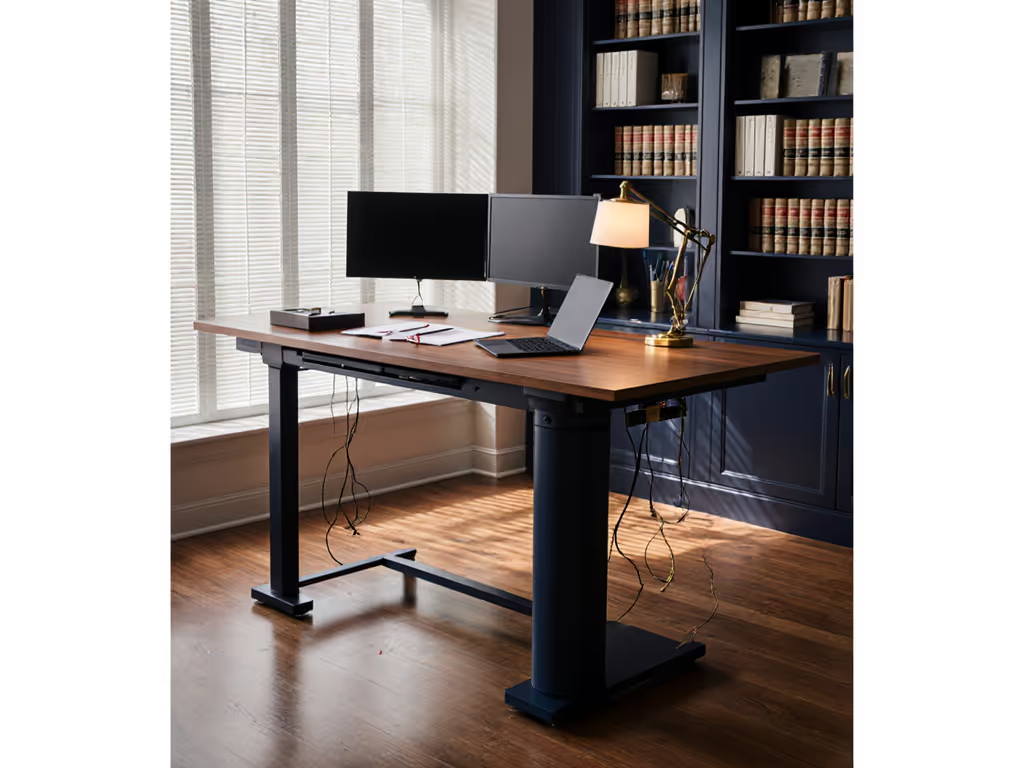
A legal professional standing desk is not just a height-adjustable table; it's the control center for your matters, your calendar, and your on-screen presence. When you treat it as an all-in-one lawyer desk bundle - desk, storage, power, acoustics, and cable management as a single system - you reduce noise, visual clutter, and mental load during long days of drafting, calls, and hearings.
Below, I'll walk through 10 core components of a lawyer-focused standing desk bundle, compare three practical bundle types, and give you checklists you can run through in a single afternoon. Small changes, big calm.
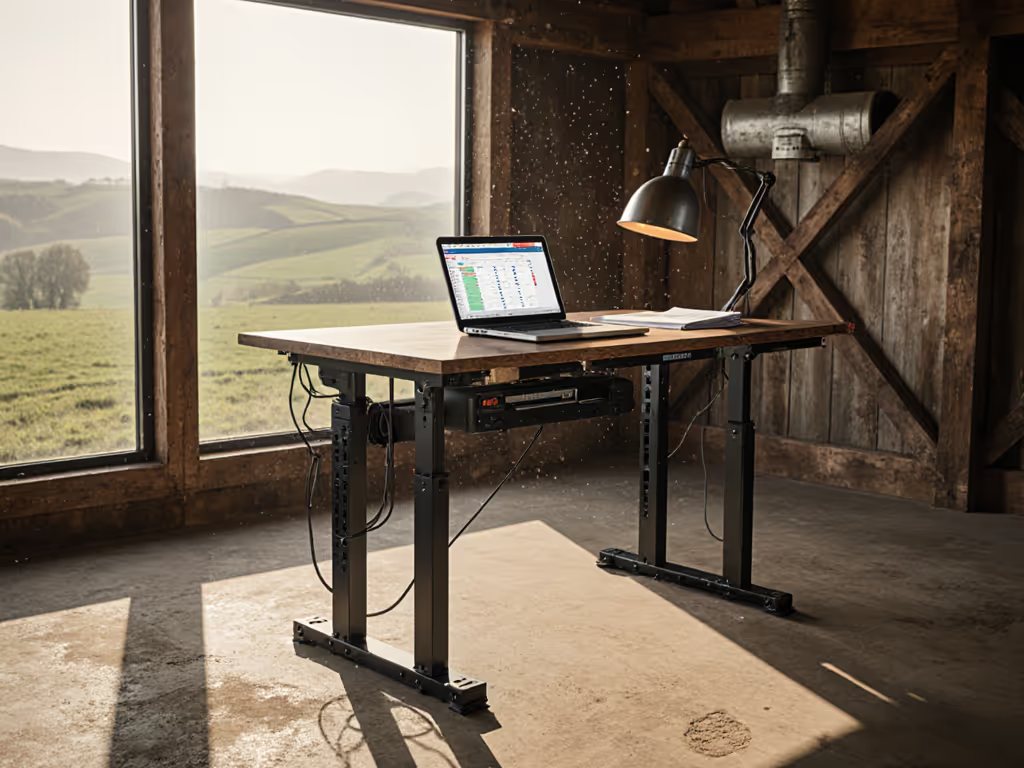
Clear the cables; clear the mind - and your video frame.
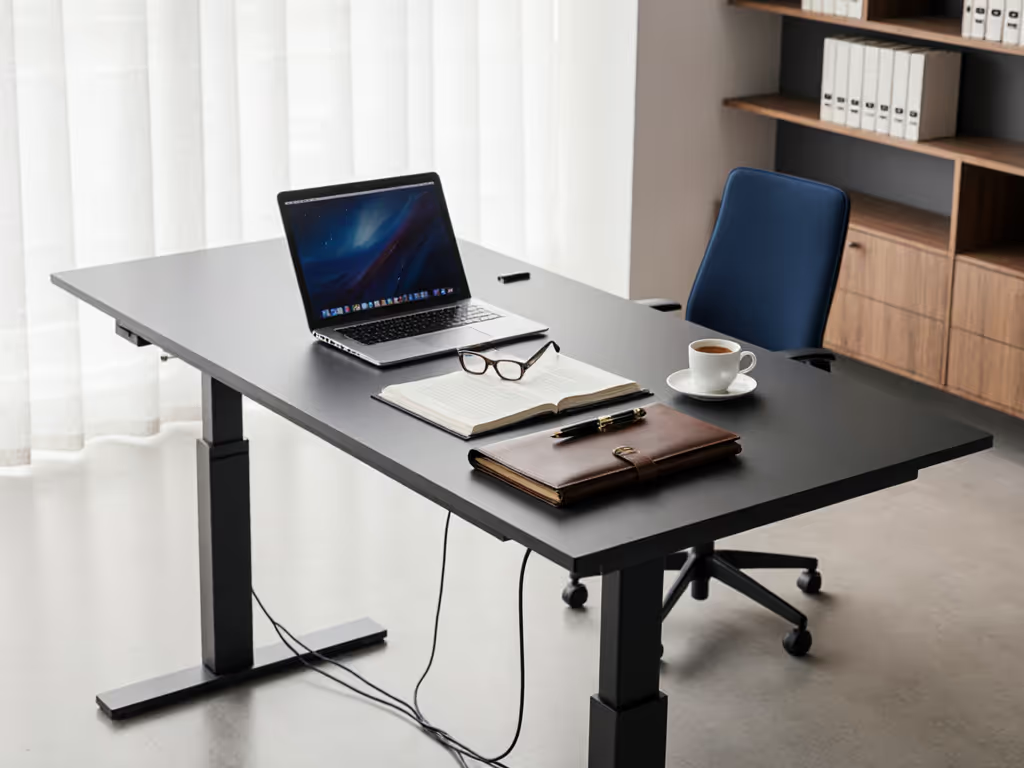
To make this concrete, I'll reference three archetype "bundles" you can assemble from any reputable desk brand:
- Bundle A - Solo Practitioner Focus Deck: 1-2 monitors, compact space, physical files close at hand.
- Bundle B - Litigation War Room Station: 2-3 monitors, frequent video hearings, lots of reference material.
- Bundle C - In-House / Hybrid Counsel Hub: Clean background, fast context switching between meetings, light on paper.
1. Start with your legal workflow, then choose a bundle type
Before any specs, map the attorney workstation solution you actually need.
Ask yourself (write answers down):
- How many hours/day at the desk vs. in court or in meetings?
- How many full-size case files do you keep open at once (0-1, 2-4, 5+)?
- Typical on-screen layout: 1 ultrawide, dual monitors, or laptop + monitor?
- How often are you on camera for depositions, client calls, or court?
- Do you draft from printed documents, or are you mostly paperless?
Then match your answers to a bundle type:
| Practice Profile | Best Bundle | Desk Size (W × D) | Monitors | Paper Load | Video Priority |
|---|---|---|---|---|---|
| Solo / small-firm, mixed work | A - Solo Focus Deck | 140-160 × 70-80 cm | 1-2 | Medium | Moderate |
| Litigation / hearings / appeals | B - Litigation War Room | 160-180 × 80-90 cm | 2-3 | High | High |
| In-house / corporate / GC | C - Hybrid Counsel Hub | 140-160 × 70-80 cm | 2 | Low-Medium | High |
Quick workflow checklist (10 minutes):
- List every device that must live on the desk (laptop, dock, scanner, mic, etc.).
- Note anything that cannot sit on the floor (e.g., client files, CPU tower).
- Mark which items must be within arm's reach vs. can live in a drawer.
- Decide if you want a clean "paper-free" video frame or visible binders behind you.
Once this is clear, the rest of your legal professional standing desk decisions become much simpler.
2. Choose a base that stays rock-solid at standing height
Wobble is what makes people abandon standing desks. For precise setup measurements and posture baselines, see our standing desk ergonomics guide. For a legal tech standing desk that handles multi-monitor loads and on-camera work, focus on four specs: height range, stability, capacity, and noise.
Target base specs for legal work:
- Height range: ~60-62 cm minimum to ~125-130 cm maximum.
- Works for most users from ~155 cm to ~195 cm tall with proper chair and monitor placement.
- Legs: 3-stage (for smoother lift and better low-height ergonomics) with a stable cross-section.
- True load capacity: Aim for a frame rated at 100-125 kg dynamic load, not just static.
- Noise level: Prefer bases that advertise <45 dBA at 1 m under typical load.
- Speed: 30-40 mm/s is plenty; faster can mean more vibration if stability is poor.
- Anti-collision & child lock: Non-negotiable if you have kids or shared spaces.
Stability tips specific to legal setups:
- Avoid overly thin, long desktops (e.g., 200 cm wide with a fragile frame) if you use heavy monitor arms and law books.
- If you are tall (>190 cm) or use a treadmill, favor frames with wider foot plates and deep side profiles to resist front-back rocking.
- Check that the frame can bolt into pre-drilled holes without the top flexing - soft tops amplify wobble.
Base selection checklist (15-20 minutes):
- Confirm your seated elbow height and standing elbow height (measure floor → elbow in both positions).
- Choose a frame whose range comfortably covers those numbers with 5-10 cm margin.
- Verify the frame's width range matches your desired desktop width.
- Look for published noise and stability testing, not just marketing language.
If your desk is quiet enough that you can raise it mid-Zoom without your mic picking up the motor, you've chosen well.
3. Build a desktop that serves as a confidential document desk
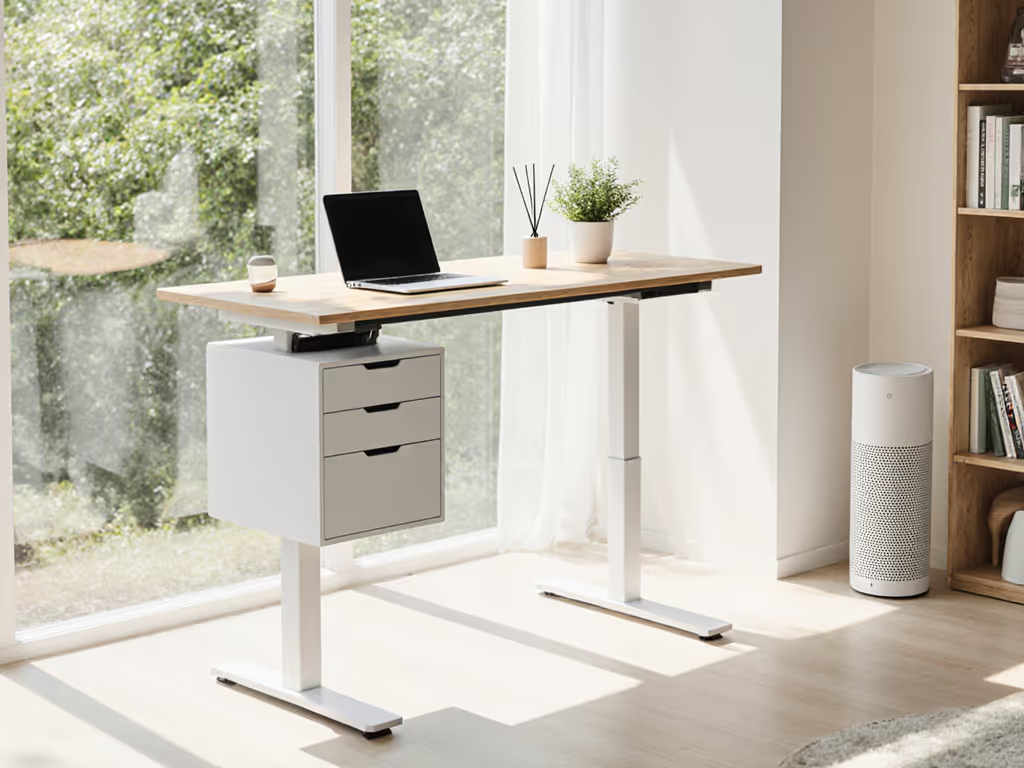
For legal work, the desktop surface is functionally a confidential document desk. It must protect paper, handle annotations, and keep sensitive material out of the camera frame.
Recommended desktop dimensions:
- Depth: 80 cm is a sweet spot for legal setups.
- 70 cm minimum if space is tight; 90 cm if you keep large binders or a scanner on the desk.
- Width:
- Bundle A: 140-160 cm
- Bundle B: 160-180 cm
- Bundle C: 140-160 cm
Material and finish priorities:
- Low-glare, matte finish to avoid reflections on video calls.
- Edge detail that won't cut into forearms (no sharp 90° corners at wrist zones).
- Durable surface that tolerates pen pressure and sticky notes without imprinting.
- Low-VOC or pre-off-gassed finishes if you're in a small office with limited ventilation.
Layout zoning for legal work:
Think in three horizontal zones, left to right:
- Zone 1 - Intake (left): Today's active file, mail to process, "hot" documents.
- Zone 2 - Live drafting (center): Keyboard, primary monitor, reference document stand.
- Zone 3 - Output (right): Documents ready to file/scan, items for assistants, outbox tray.
And three depth zones, front to back:
- Front band (10-15 cm): Wrist rest, keyboard, note pad.
- Mid band (30-40 cm): Between keyboard and monitors; your main document area.
- Rear band: Monitors and any always-on equipment.
Desktop checklist (10 minutes):
- Choose dimensions that maintain at least 10-15 cm of clearance behind monitors for cables.
- Ensure you have space to keep sensitive papers out of the camera's field of view when using a webcam or laptop cam.
- If you annotate paper frequently, reserve a flat, always-clear area at least A3-sized (~30 × 42 cm).
4. Treat cable management as part of your attorney workstation solution
Legal practice is tech-heavy: multiple logins, MFA tokens, doc management, e-filing portals, softphones. A good attorney workstation solution consolidates this without turning your desk into a cable nest.
Messy cables aren't just ugly - they tug on devices, add electrical noise, and create trip risk around confidential files.
Core power & data plan:
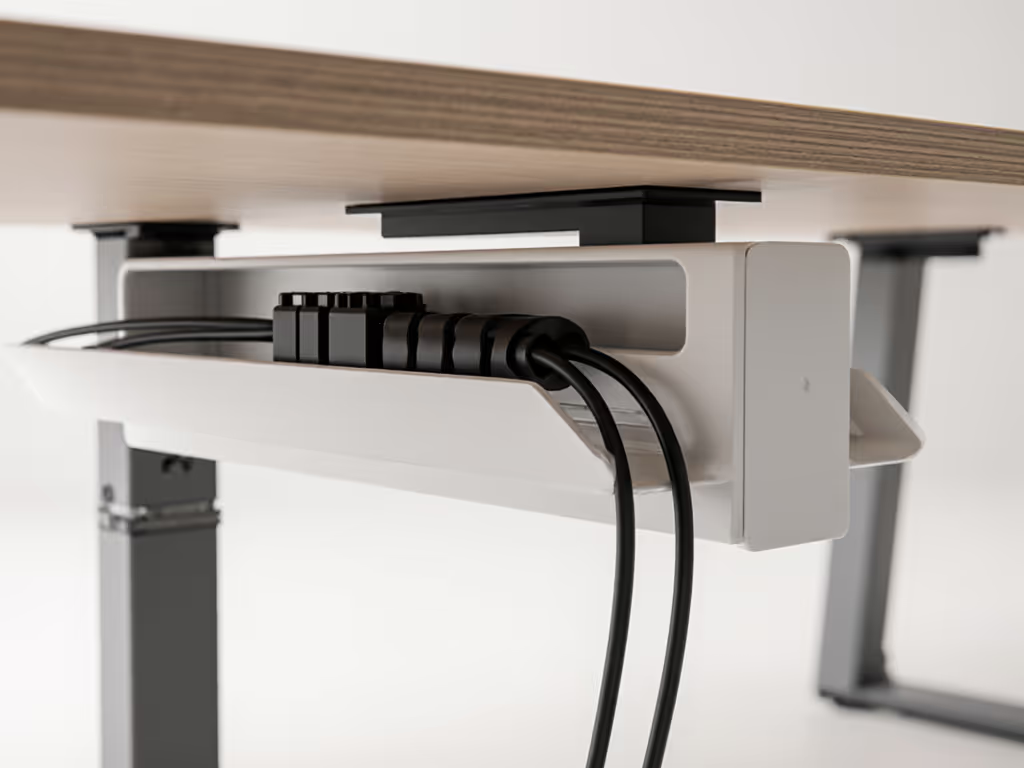
- One primary under-desk power strip mounted to the underside of the desktop.
- A single "umbilical" trunk running down to the wall outlet (ideally a fabric or plastic cable sleeve).
- Desk-mounted power (grommet or clamp) with 2-3 outlets + USB-C for laptop and phone.
- Separate low-voltage path for Ethernet and audio if you use wired connections.
Cable routing principles:
- Respect bend radius: keep curves at least 5× the cable diameter; avoid sharp 90° kinks.
- Fix cables every 20-30 cm with clips or Velcro so they move as a group with the desk.
- Leave a clean service loop (gentle U-shape) near each device for strain relief.
- Keep power and signal cables parallel but slightly separated (2-3 cm) to reduce interference.
Clear the cables; clear the mind - and your video frame.
Cable management checklist (30-45 minutes):
- Mount a cable tray or raceway centered under the desk.
- Group cables into front-left, front-right, and rear bundles before fixing them.
- Verify nothing can snag when moving from lowest to highest desk position (do a full travel test).
- Label both ends of important cables (e.g., "Dock to Monitor 1") for easy swaps.
Small changes, big calm: one tidy cable trunk instead of six snaking to the floor changes how the whole workstation feels.
5. Build in document security and privacy from the start
A confidential document desk must guard physical files as carefully as your DMS guards digital ones. Security-conscious practices can also consider RF-shielded standing desk options to protect cables and peripherals in sensitive environments.
Security-first storage choices:
- Lockable under-desk drawer for active files and small evidence items.
- A separate, lockable cabinet adjacent to the desk for bulk files; don't overload the desktop.
- Out-of-frame staging area (shelf or side table) where sensitive documents can sit during calls.
Placement and process tips:
- Position any document camera or scanner so the lens cannot accidentally see your entire desk.
- Keep shredder bins behind your chair, not beside the desk - out of camera and traffic paths.
- If you share the space, enable desk height child lock or keypad lockout when away.
Privacy checklist (15 minutes):
- Sit where you normally work, turn on your webcam preview, and identify what's visible.
- Mark one area of the desk as "camera-safe" for sticky notes or quick references.
- Use simple visual rules: nothing labeled with client names stays on the desktop during calls.
Think of your lawyer desk bundle as a physical extension of your confidentiality obligations.
6. Tune acoustic quietness for hearings and depositions
Lawyers are often on live mics - remote hearings, Zoom mediations, or recorded client calls. Your legal tech standing desk should not add hums, rattles, or fan noise to that.
Noise sources to control:
- Desk motors (during movement).
- CPU or laptop fans under heavy load.
- Shredder and printer vibrations resonating through the floor.
- Loose items buzzing on the desktop.
Practical acoustic steps:
- Aim for a desk motor rated at <45 dBA at 1 m; in practice it will be masked by normal room noise.
- Place a thin felt pad or rubber mat under each desk foot to reduce vibration transfer, especially on hardwood or tile.
- Put printers and shredders on separate stands or pads, not directly on the desk.
- Use felt pads under metal trays or pen cups so they don't rattle when you type.
In one small studio office I worked on, a vibrating power converter and dangling cables sent a buzz through every video call. We leveled the feet, added felt, routed everything into a single cable trunk, and clipped the slack. The hum vanished and the backdrop suddenly looked deliberate - exactly what you want for remote hearings.
Acoustic checklist (20 minutes):
- During a quiet moment, record 30 seconds at your desk on your phone - listen for hums and rattles.
- Raise and lower the desk while on a video test call to hear how loud it is through your mic.
- Add soft interfaces (felt, rubber) anywhere hard surfaces meet under load (feet, trays, stands).
Quiet isn't cosmetic here - it's part of being understood clearly by judges, clients, and opposing counsel.
7. Design a monitor and reference layout for legal documents
Legal work is reference-heavy. Case law, PDFs, email, notes, and your drafting window all compete for attention. A good attorney workstation solution is deliberate about screen layout.
Monitor setups by bundle:
- Bundle A - Solo Focus Deck
- 1 × 27-32" monitor + laptop screen, or
- 2 × 24-27" monitors side-by-side.
- Bundle B - Litigation War Room
- 2 × 27-32" horizontal monitors + 1 × 24-27" vertical (for statutes, transcripts, or docket).
- Bundle C - Hybrid Counsel Hub
- 2 × 27" monitors, one primary, one for email/calendar/video.
Stability and arms:
- Use sturdy, clamp-mounted monitor arms rated comfortably above your monitor weight (by at least 20-30%).
- Check that your desk thickness and edge design work with the clamp without crushing or slipping.
- For very deep desks (90 cm), set monitors so your eyes are roughly 50-70 cm from the screen.
Reference layout tips:
- Reserve one screen (or half of an ultrawide) as "anchor drafting" where your current document always lives.
- Keep calendars and court scheduling tools pinned to the same region (e.g., top-right quadrant) for muscle memory.
- Consider a slim, non-glare document stand positioned just to the side of your keyboard for printed references.
Monitor layout checklist (25 minutes):
- Decide which applications get "permanent homes" on which monitors.
- Adjust arm tension so screens don't shake noticeably when you type.
- Sit and stand; in both positions, verify the top of your main screen stays near eye level.
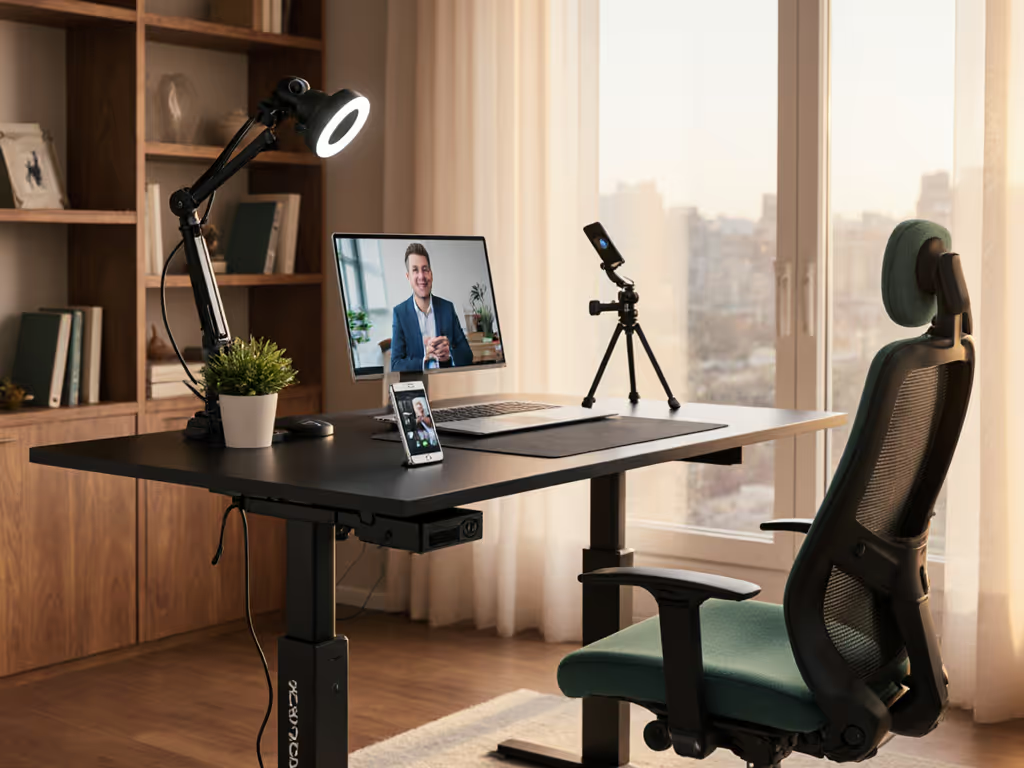
For hearings, you want your video tiles on the monitor closest to your webcam so eye contact is more natural. For camera angles, lighting, and cable routing that read professionally on Zoom, use our video call workstation setup guide.
8. Integrate court scheduling and legal tech into the desk flow
A court scheduling desk integration means you can see upcoming hearings and deadlines without digging. Your legal tech standing desk should keep calendars and matter dashboards one glance away.
Software & screen habits:
- Dedicate a secondary monitor or right-hand tile to:
- Court calendars
- Case management dashboards
- Email triage
- Use consistent window positions so your eyes know where to jump.
Hardware that helps:
- A small tablet or phone stand on the non-mousing side for 2FA codes, calls, and quick docket checks.
- A USB-C hub or dock mounted under the desk with fixed cables to monitors, power, and Ethernet.
- If you appear in remote court often, a mute button or audio interface within easy reach (no fumbling mid-hearing).
Integration checklist (15-20 minutes):
- Choose one device as your "calendar reference" (monitor, tablet, or phone) and park it in a fixed location.
- Map 2-3 hotkeys or macros for switching between research, drafting, and video platforms.
- Test a full "mock hearing" workflow - joining the call, referencing documents, muting/unmuting - without reaching awkwardly or disturbing papers.
When your lawyer desk bundle is organized around how you move between matters and hearings, your tools stay out of your way.
9. Plan for assembly, serviceability, and future upgrades
A desk for legal work is infrastructure - you want at least 7-10 years of reliable service. That means thinking beyond day-one assembly.
Assembly expectations:
- Time budget: 90-150 minutes for one meticulous person; less with a helper.
- Tools: typically a hex key set (often included), plus a torque-limited screwdriver to avoid stripping wood screws.
- Steps: assemble frame → attach frame to desktop → add accessories (tray, drawers) → route cables.
Serviceability considerations:
- Prefer desks with standardized mounting patterns (e.g., rows of M6 wood screws) so you can swap tops later.
- Keep the controller box and handset accessible - not buried behind immovable drawers.
- Save spare screws and the assembly manual in a labeled envelope in a nearby drawer.
Upgrade paths to anticipate:
- Moving from dual 24" monitors to a single ultrawide.
- Adding an under-desk treadmill or bike.
- Adding more storage as your matter load grows.
Maintenance checklist (once or twice per year):
- Re-tighten frame and desktop screws (wood fibers compress over time).
- Run the desk through its full travel and confirm no new noises.
- Inspect cables for abrasion or over-tight bends; replace damaged ones.
Planning for maintenance up front reduces future downtime - vital when a missed hearing is not an option. Follow our standing desk maintenance schedule to keep performance consistent over 7+ years.
10. Match the right lawyer desk bundle to your practice (and act)
To close, let's bring the three bundle types together and tie them to clear next steps.
Bundle A - Solo Practitioner Focus Deck
Best if you:
- Work in a compact office or home space.
- Juggle mixed tasks (drafting, email, occasional video calls).
- Keep some paper but not full banker's boxes at the desk.
Focus on:
- A 140-160 × 70-80 cm desk.
- Strong cable tray and a single under-desk power strip.
- One lockable drawer and a small side cabinet.
Bundle B - Litigation War Room Station
Best if you:
- Regularly handle hearings, depositions, or multi-party calls.
- Need 2-3 monitors and multiple references open.
- Manage high paper volume and evidence binders.
Focus on:
- A deeper 160-180 × 80-90 cm desk for generous work surface.
- Heavier-duty base with top-tier stability and load capacity.
- Robust monitor arms, document stand, and ample lockable storage.
- Extra attention to acoustics (felt pads, separate stands for printer/shredder).
Bundle C - In-House / Hybrid Counsel Hub
Best if you:
- Spend much of your day in meetings and collaborative calls.
- Need quick context switching between contracts, email, and chat.
- Care deeply about how your background looks on internal calls.
Focus on:
- Clean, minimalist desk with tight cable management.
- 2 monitors with clear roles (work vs. comms) and reliable video setup.
- Well-considered backdrop and consistent lighting.
Actionable next step: a 45-minute planning sprint
To turn this into a concrete legal professional standing desk plan, set aside 45 focused minutes and work through this mini-sprint:
- Measure your space (10 minutes).
- Room width, depth, and any door swing near the desk.
- Maximum desk width and depth that leave at least 60-75 cm of clear walkway.
- Inventory your gear (10 minutes).
- List every device and approximate weight of monitors and desktop equipment.
- Mark what must live on the desk vs. can move to shelves or cabinets.
- Choose your bundle type (5 minutes).
- Circle A, B, or C based on how you actually work today, not an idealized future.
- Define your non-negotiable specs (10 minutes).
- Height range, noise level, desktop size, storage requirements.
- Must-have features like anti-collision, child lock, or specific color/finish.
- Sketch your layout (10 minutes).
- Rough drawing showing monitors, keyboard, document zones, and cable trunk.
- Mark where the power outlet is and how the "umbilical" will drop.
With this worksheet in hand, you can evaluate any lawyer desk bundle against your real constraints instead of guessing from spec sheets and photos.
Clear the cables; clear the mind - and your video frame. When your legal tech standing desk is quiet, stable, and organized around your practice, it stops being just furniture and starts acting like the reliable co-counsel you reach for every single day.
Related Articles