Modern Standing Desk: MS-Friendly Workspace Setup
By Mei Lin • 17th Dec
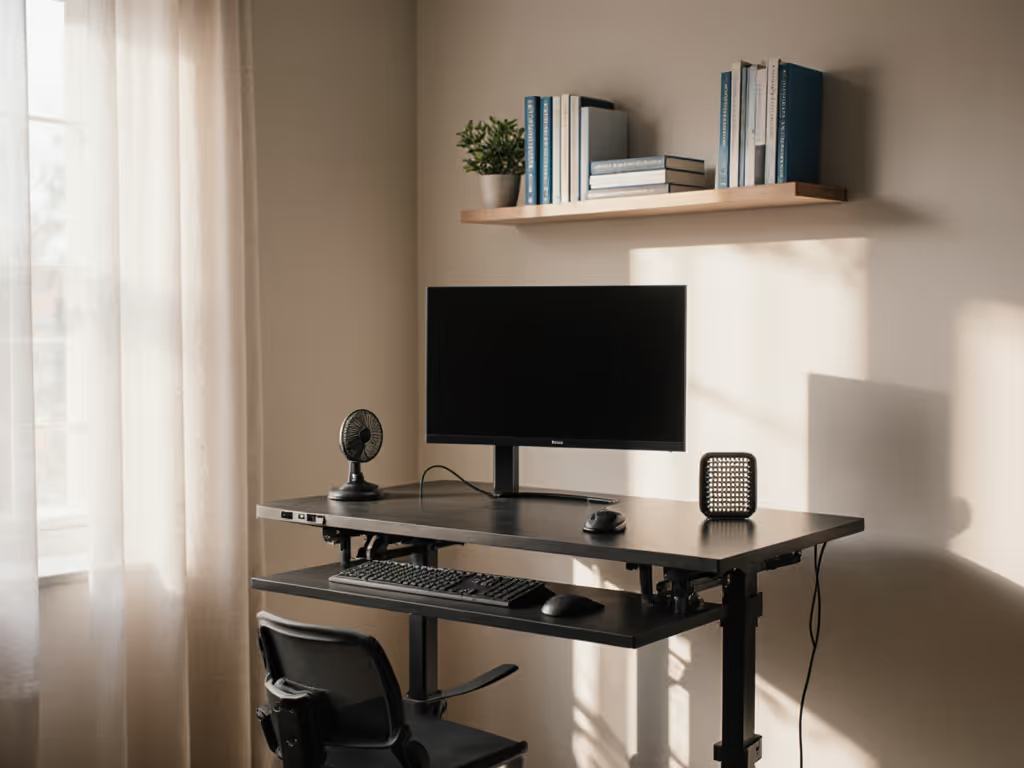
For people managing multiple sclerosis, your workspace isn't just where you work; it is where you recover, refocus, and reclaim control. A modern standing desk configured with neurological condition ergonomics in mind reduces physical strain while supporting cognitive function throughout fluctuating energy cycles. Unlike standard ergonomic advice, a properly set up multiple sclerosis workstation accommodates unpredictable fatigue, temperature sensitivity, and mobility challenges (without compromising professional presence on camera). After working with hundreds of clients in constrained spaces, I've found that quiet operation, cable safety, and precise adjustability matter more than premium materials when energy reserves are limited.
Quiet is a productivity feature. It's not just about comfort, but about maintaining cognitive bandwidth when your nervous system is already working overtime.
Step 1: Plan Your Workspace Layout (15 Minutes)
Begin with precise measurements, not estimates. Your standing desk must accommodate both seated and standing positions within your available space while prioritizing safety pathways. If space is tight, see our small-space standing desks for size and stability trade-offs.
Workspace Layout Checklist
- Measure floor space: Allow 76cm (30") clearance behind chair for transfers
- Confirm desk depth: 60-70cm (24-28") accommodates standard keyboards even with MS-related tremor
- Map electrical outlets: Position within 120cm (47") to avoid extension cords
- Check door swing radius: Minimum 81cm (32") clearance for mobility aids
- Test ambient noise: Use a free phone app to measure baseline dBA (target <40 dBA at 1m)
Time budget: 15 minutes with tape measure and noise meter app
Outcome: A workspace layout that prevents tripping hazards and accommodates sudden mobility needs while minimizing noise distractions.
Step 2: Select and Position Your Adjustable Standing Desk (20 Minutes)
Not all adjustable standing desk frames perform equally under MS-related usage patterns. Stability at standing height is non-negotiable: wobble increases cognitive load during concentration tasks. For tech-forward options that stay rock-solid, compare our best modern standing desks.
Key Selection Criteria for MS Workstations
- Minimum height range: 61-127cm (24-50") to accommodate wheelchair transfers
- Motor noise: <45 dBA at 1m prevents audio interference during calls
- Transition speed: 3.8cm (1.5") per second balances quick adjustments with safety
- Memory presets: Minimum 2 positions (seated/standing) with <0.5cm height drift
- Weight capacity: 100kg (220lbs) minimum for multi-monitor setups
Placement matters as much as the desk itself. Position your desk perpendicular to windows to reduce glare (critical for those with MS-related light sensitivity). Leave 15cm (6") rear clearance for cable management without pinching.
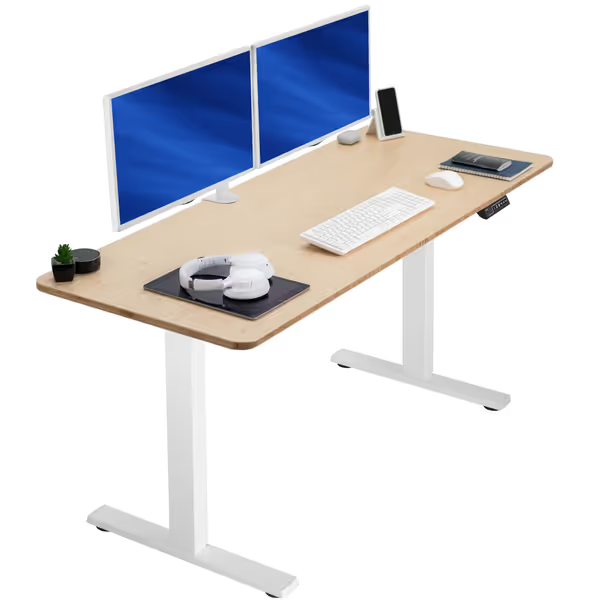
VIVO Bamboo Standing Desk
Sturdy, easy-to-assemble bamboo desk for effortless sit-stand transitions.
$279.99
Height Range29.3" - 48.5"
Height Range29.3" - 48.5"
Pros
Solid one-piece bamboo top eliminates seams & wobble.
Powerful motor with 4 memory presets for quick, quiet adjustments.
Cons
Weight capacity may be limiting for very heavy setups.
Specific long-term serviceability details not provided.
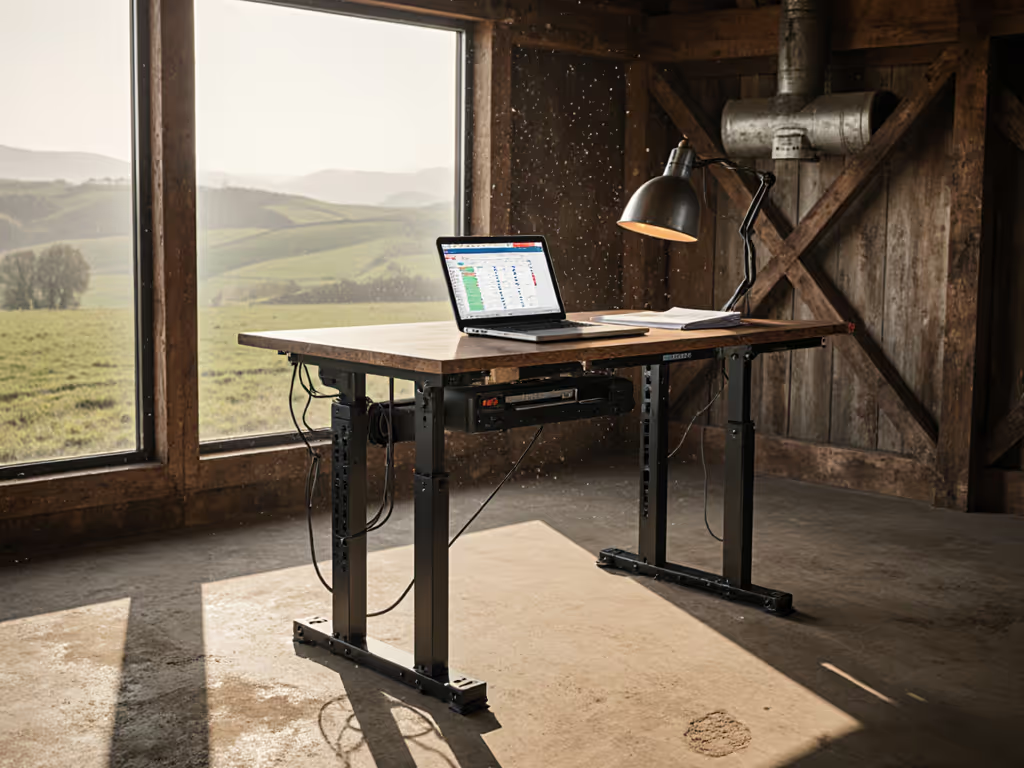
The electric motors and memory settings work exactly as advertised. Looks like real recycled barn wood.
The electric motors and memory settings work exactly as advertised. Looks like real recycled barn wood.
Step 3: Configure Ergonomic Zones (30 Minutes)
Chronic illness workstation design requires different positioning principles than standard ergonomics. Use this standing desk ergonomics guide to dial in monitor height, keyboard angle, and accessory placement with precise measurements. Forget "perfect posture" prescriptions; focus on micro-adjustability between positions.
Monitor Positioning
- Top of screen at eye level when seated (reduces neck strain during fatigue)
- 50-70cm (20-28") viewing distance (prevents eye strain during temperature fluctuations)
- Tilt adjustment: -5° to +15° range accommodates head support needs
Keyboard/Mouse Zone
- Height: Elbows at 90-100° when seated, 85-90° standing
- Tilt: -5° to 0° for wrist neutral position during tremors
- Clearance: 7-10cm (3-4") below desk edge prevents forearm pressure
Seating Configuration
- Chair height: Feet flat with 90-110° knee angle
- Armrest height: Elbows supported without shoulder elevation
- Seat depth: 3-5cm (1-2") gap behind knees
Outcome: A workstation that requires minimal muscular effort to maintain positions during energy fluctuations, which is critical when spasticity or fatigue strikes.
Step 4: Implement Safety-First Cable Management (25 Minutes)
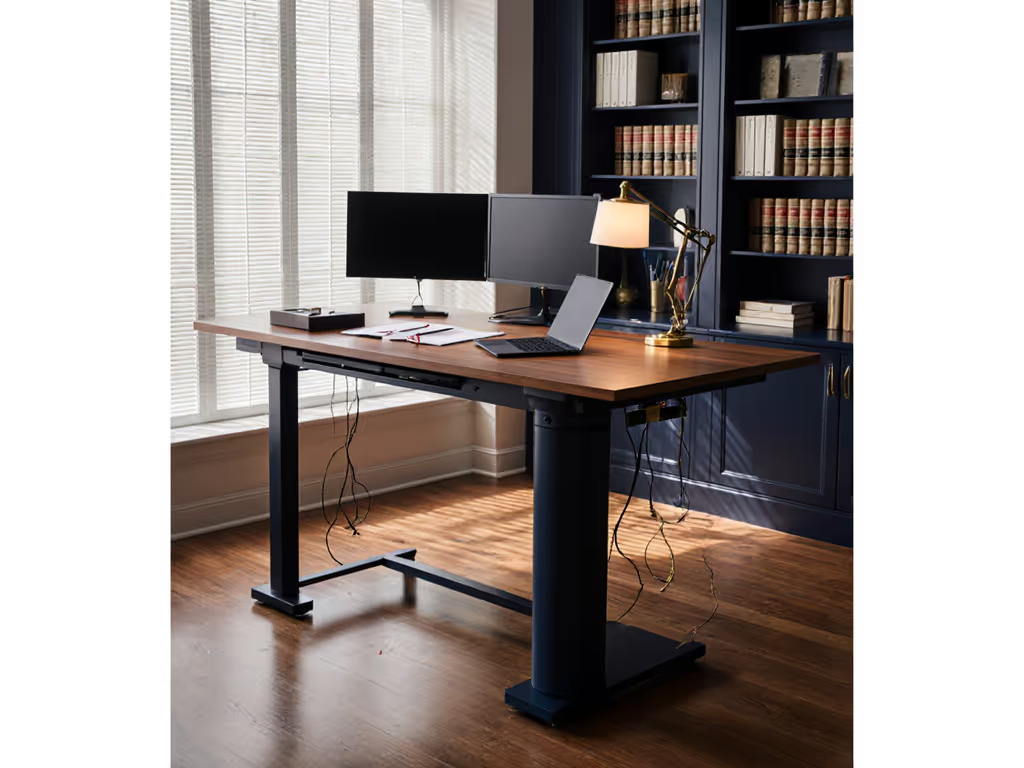
This is where I recall working with a client in a one-bedroom studio where cables drooped from a shaky converter, buzzing through every meeting. Not sure if a riser is worth it? Our converter vs full desks breaks down long-term stability and value. We added felt under the frame, rerouted everything into a single trunk, and clipped slack, immediately eliminating the hum and creating intentional visual space.
Cable Safety Checklist for MS Workspaces
- Route all cables behind desk legs (prevents tripping during transfers)
- Maintain 2.5cm (1") minimum bend radius on all cords
- Secure slack with silicone straps every 30cm (12")
- Position power strips within seated reach but above floor level
- Use under-desk cable trays with rounded edges (no pinch points)
Implement this simple test: Sit in your chair and reach for each cable connection. If you need to strain or stretch to reach, reposition immediately. Clear the cables; clear the mind, and your video frame.
Time budget: 25 minutes with 10 silicone straps and cable raceway
Outcome: A child-safe workspace that eliminates tripping hazards while reducing visual noise during cognitive fatigue.
Step 5: Add Supportive Elements (20 Minutes)
The right accessories complete your multiple sclerosis workstation by addressing specific symptom challenges without cluttering your space. To add gentle movement without fatigue spikes, try these desk exercises.
Essential Additions for MS Workspaces
-
Fatigue mat standing desk placement: Position centered under desk, extending 15cm (6") beyond front edge
- Minimum thickness: 1.9cm (0.75") for support without instability
- Material: Textured rubber surface prevents slipping during transfers
- Size: At least 61x91cm (24x36") to allow micro-movements
-
Temperature regulation: Small USB-powered desk fan (45 dBA max) positioned to circulate air without direct blast
-
Emergency call button: Mount within effortless reach of seated/standing positions
-
Visual cue system: Color-coded height indicators on desk controller (e.g., blue=sitting, green=standing)
Skip padded armrests, they trap heat during MS temperature sensitivity episodes. Instead, use breathable mesh chair covers that wick moisture without adding bulk.
Final Setup Verification (10 Minutes)
Before declaring your modern standing desk complete, run this verification sequence:
- Test all height transitions three times (note any wobble or noise)
- Sit at desk: Confirm eyes align with top-third of screen
- Stand at desk: Check elbows rest comfortably at 85-90°
- Simulate transfer: Verify clear path from seated to standing position
- Measure ambient noise at 1m during desk movement (target <48 dBA)
Outcome: A workspace that supports your neurological needs while maintaining professional presence during video calls. Your desk should transition silently between positions, with no visible cables or tripping hazards in your camera frame.
Your Actionable Next Step
Spend 15 minutes this week measuring your current desk height at both seated and standing positions with a tape measure. Note where your elbows fall relative to the desk surface during each position. This simple data point reveals whether your current setup accommodates your body's needs during energy fluctuations (without requiring medical advice or major purchases). If your elbows sit above desk height in either position, you're fighting unnecessary strain that accumulates over hours. Small adjustments today create sustainable work patterns tomorrow.
Related Articles