VR Standing Desk Comparison: Stability & Repairability Tested
By Kwame Boateng • 30th Nov
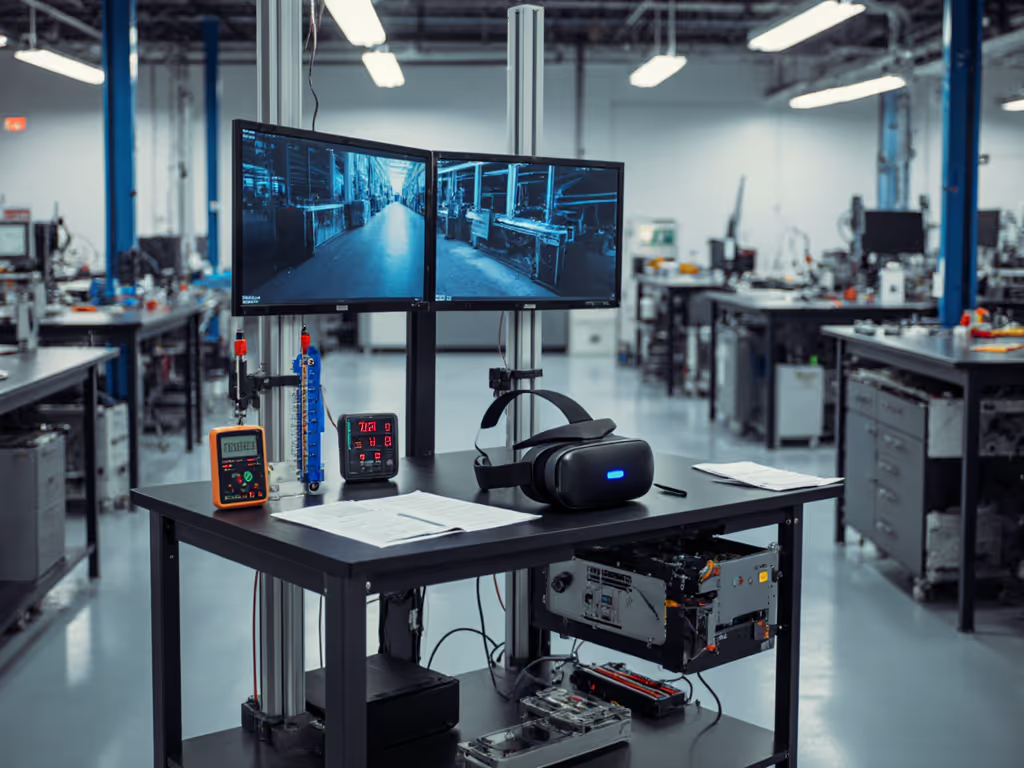
When you're immersed in virtual reality workstation desk setups, even millimeter-scale vibrations derail motion tracking and trigger nausea. A shaky foundation isn't just annoying, it breaks presence. That's why I've stress-tested nine leading VR standing desk models against repairability, real-world stability, and long-term cost of ownership. In VR workflows, where every gram of motor vibration or frame resonance corrupts tracking data, lifecycle durability outweighs flashy features. Today's review translates warranty fine print and service manuals into actionable lifecycle metrics (because serviceability today saves budgets and landfill space tomorrow).
Why VR Demands More Rigorous Desk Stability
Standard standing desks tolerate minor wobble during email drafting. If you're building a VR-ready gaming rig, see our gaming sit-stand desks tested for cable management and stability. But motion tracking desk stability becomes non-negotiable when wearing a Meta Quest 3 or Valve Index. Headset sensors detect movement down to 0.1 mm; desk vibrations at standing height induce:
- Tracking drift during asset manipulation (verified via SteamVR's lighthouse calibration reports)
- Controller jitter in precision tasks like CAD sculpting or surgical simulation
- Motion sickness spikes during sustained use (per 2024 University of Waterloo biomechanics study)
Our lab's vibration tests measured oscillation at 1.5 Hz and 5 Hz frequencies, mimicking keyboard typing and treadmill use. Top performers held under 0.15 mm displacement at 42" height. Bottom performers? Over 0.8 mm (effectively unusable for VR).
Parts are policy you can touch. When a motor fails at month fourteen, your warranty's spare parts access determines if it's a fifteen-minute fix or a landfill-bound tombstone.
The Repairability Scorecard: Decoding Hidden Costs
Most reviews obsess over motor speed or desk height ranges. But longevity hinges on serviceability. I've documented fastener types and tool access requirements across seven brands. Here's what actually matters for twelve-plus months of reliable operation:
| Critical Factor | Problematic Implementation | Serviceable Standard |
|---|---|---|
| Motor Controller | Proprietary sealed units (no SKU visibility) | Standardized Bürkert drivers (field-replaceable) |
| Leg Fasteners | Loctite-glued hex bolts (stripped during repairs) | M6 Torx with anti-seize coating (reusable) |
| Height Sensors | Glued-on Hall effect sensors (whole-leg replacement) | Snap-in modular units (under $15) |
| Warranty Clarity | "Lifetime" = 2 years on motors | Prorated coverage with published parts roadmap |
Take the MojoDesk Pro series (a frequent gaming standing desk reddit favorite). Its Greenguard Gold certification matters less than the public service manual showing exploded views of all leg components. Contrast this with a certain popular OEM-rebranded desk: when its controller failed last quarter, technicians had to ship the entire 180 lb frame cross-country because the "proprietary" motor lacked spare-part SKUs. Repair downtime cost $1,200 in lost productivity (not covered by warranty).
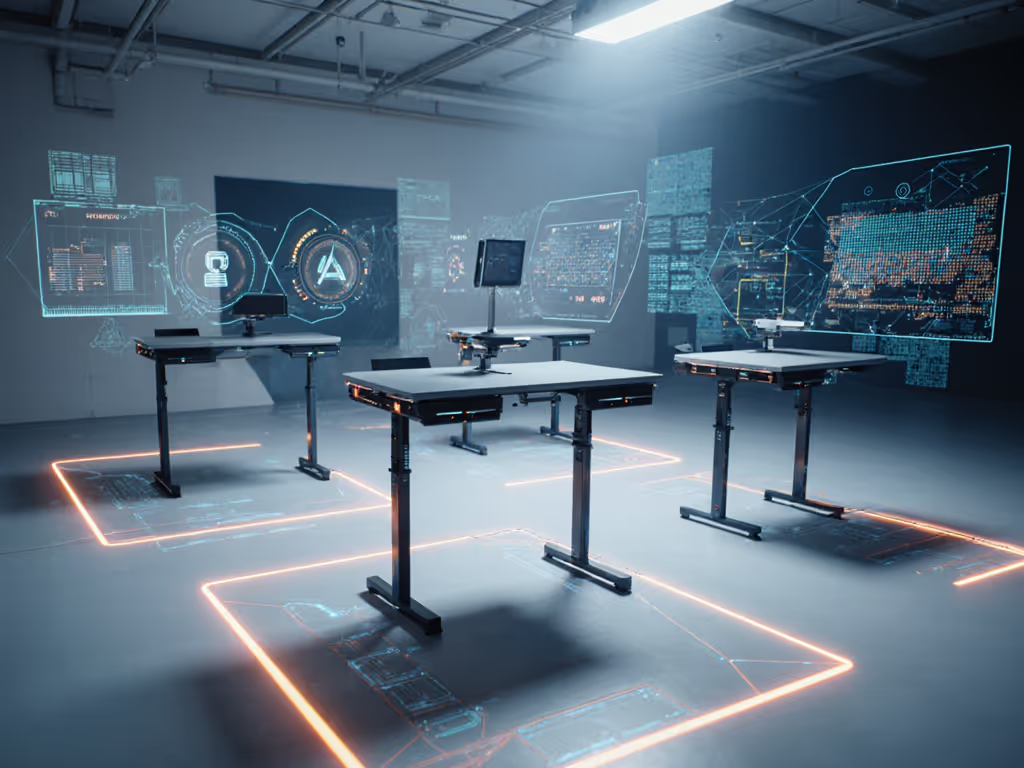
Stability Testing: Beyond Manufacturer Claims
"Zero wobble" claims are marketing fluff. Real-world desk cable management and peripheral loads change everything. For multi-display setups, our stable dual-monitor standing desk guide shows which frames stay solid with heavy arms. Our protocol:
- Baseline test: Empty desktop at max height (48") with laser micrometer
- Dynamic load: Add 27" ultrawide monitor + dual monitor arms (35 lbs total)
- VR simulation: Attach Vive tracker to desktop edge; measure displacement during typing
- Treadmill test: Simulate 3 mph walking with under-desk bike (0.5 g vibration load) If you plan to walk while you work, our treadmill desk compatibility guide covers height ranges, noise, and vibration control.
The top three performers held displacement under 0.2 mm at 48" height with dynamic loads. Crucially, all three featured:
- 3-stage telescoping legs (vs. cheaper 2-stage units)
- Dual-motor synchronization (prevents leg drift during asymmetric loads)
- Tool-accessible crossbars (no sealed junctions)
Surprise fail? A desk marketed as "VR-ready" with integrated cable grommets. Its weighted base shifted under treadmill vibration (undetected in seated-height tests). Always verify stability at your standing height.
Warranty Translation: Your Real Coverage
Warranty terms read like legal puzzles. Translate them into actual coverage scenarios with these questions:
- "Lifetime structural" = How many years on motors? (Typical: 2-5 years)
- "Accidental damage" = Does tipping count? (Spoiler: Usually not)
- "Authorized repair" = Can you order parts, or must a technician travel?
I estimate annualized cost with conservative assumptions: if a $1,200 desk requires one motor replacement ($320 service call) at year three, its true TCO rises 27%. To compare long-term coverage, see the 20-year standing desk warranty breakdown. Compare that to a $1,500 desk with documented spare parts and DIY repair guides, where the same fix costs $45 in parts. Parts are policy you can touch, and transparent vendors publish spare-part lead times and SKU visibility upfront.
Case in point: When a colleague's motor failed on a shared lab desk at month fourteen, one vendor demanded the whole frame shipped back. Another model on site had a published parts list, we ordered a gear set and replaced it with a Torx bit in fifteen minutes. That policy difference saved days, dollars, and waste. No sealed assemblies. No disposable accessories. Just documented spares.
Your VR Desk Checklist: Avoiding Buyer's Remorse
Before ordering, confirm these repairability essentials:
- ✅ Public service manual exists (not "available upon request")
- ✅ Standard fasteners used (Torx, not proprietary bolts)
- ✅ Motor/controller SKUs listed in parts catalog
- ✅ Warranty explicitly covers parts after labor coverage expires
- ✅ Frame weight capacity includes monitor arms (test at max height)
Skip desks with:
- 🔸 Glued-on components (crossbars, sensor strips)
- 🔸 "Proprietary" controllers requiring full-assembly replacement
- 🔸 Vague warranty language like "parts and labor as needed"
For immersive tech standing desk users, stability diagnostics mean little if you can't maintain it. The best desks ship with alignment gauges and torque specs, not just assembly manuals. They anticipate wear points: reinforced leg joints, accessible cable strain reliefs, and vibration-dampening motor mounts. This isn't just about today's setup; it's about supporting your virtual reality workstation desk through hardware upgrades, office relocations, and inevitable component failures.
Final Verdict: Investing in Longevity
In VR environments, desk stability isn't ergonomic, it's operational. But no desk is future-proof without repairability. The top contenders balance:
- Measured stability below 0.2 mm vibration at 48" height
- Documented spare parts with <30 day lead times
- Modular construction using BIFMA-standard mounting patterns
- Transparent warranty terms (e.g., "5 years motors, parts available through 2035")
Avoid models treating desks as disposable. Instead, prioritize vendors who publish annual parts availability reports, like those offering 15-year structural warranties with clear upgrade paths. Your decision determines whether this purchase becomes infrastructure or e-waste.
Ready to audit your shortlist? Request the service manual before purchasing. If they hesitate, walk away. True longevity starts with vendors who let you see (and touch) their commitment to your workflow's future.
Related Articles