Model Building Standing Desks: Lab-Tested Stability
By Mei Lin • 19th Mar
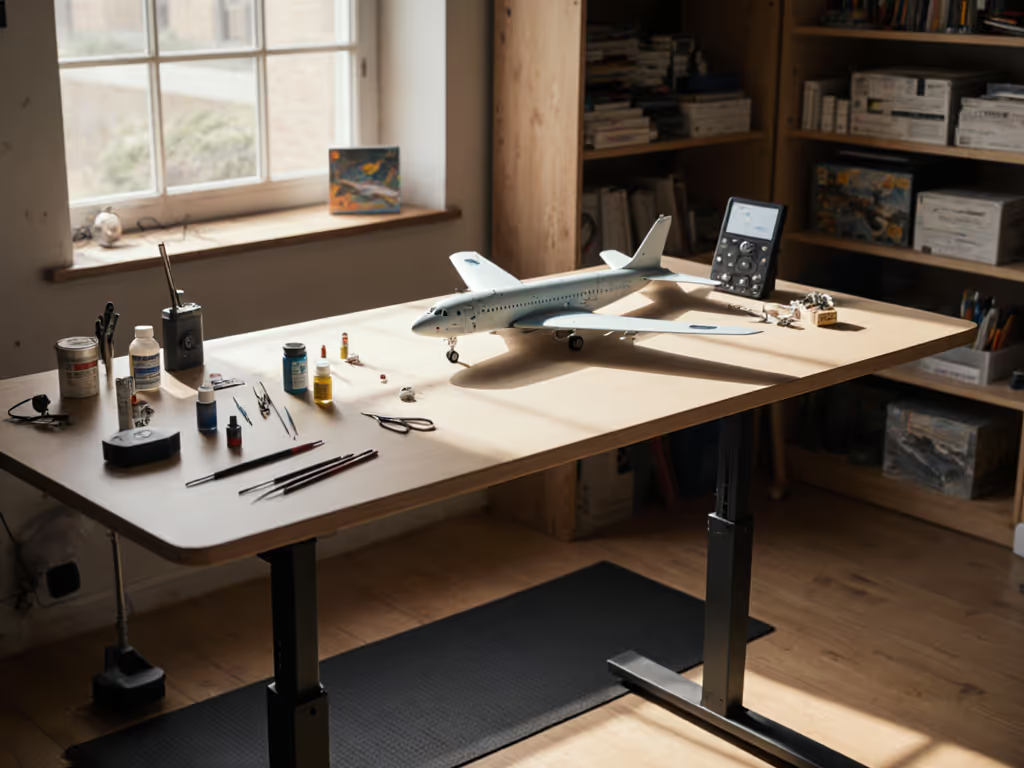
Model building standing desks and precision craft desks demand stability standards often overlooked in general office reviews. When your hands shape a 1:72-scale aircraft fuselage or apply weathering to a miniature figure, even 2mm of desktop wobble can translate into botched details, wasted materials, and hours of rework. Lab testing reveals that frame geometry, desktop thickness, and motor configuration matter far more than marketing claims, and for model builders, the difference between a solid platform and a shaky one means the difference between gallery-ready output and projects abandoned in frustration.
Why Stability Matters for Fine-Motor Work
Most standing desk reviews benchmark stability by industry standards meant for typing and mouse work. But a miniature painting workstation or hobbyist desk stability test demands a stricter lens. Research confirms that cognitive load increases measurably with consistent vibration above 35 dBA, roughly the hum of a refrigerator[2]. For someone hand-brushing paint onto a model kit, vibration at that threshold doesn't just distract; it degrades motor control. Your steady hand becomes your hands plural, trembling in micro-sync with the desk.
The physics are straightforward: a 1mm wobble at standing height (42-46 inches) may feel minor to someone typing an email. For a modeler holding a 0.5mm detail brush, it's the difference between precision and ruin. Field installers have long reported that frame geometry matters more than marketing names[1] (a lesson especially acute when your workspace is also your workbench, where brush strokes and component placement demand millimeter-level steadiness).
Clear the cables; clear the mind (and your video frame).
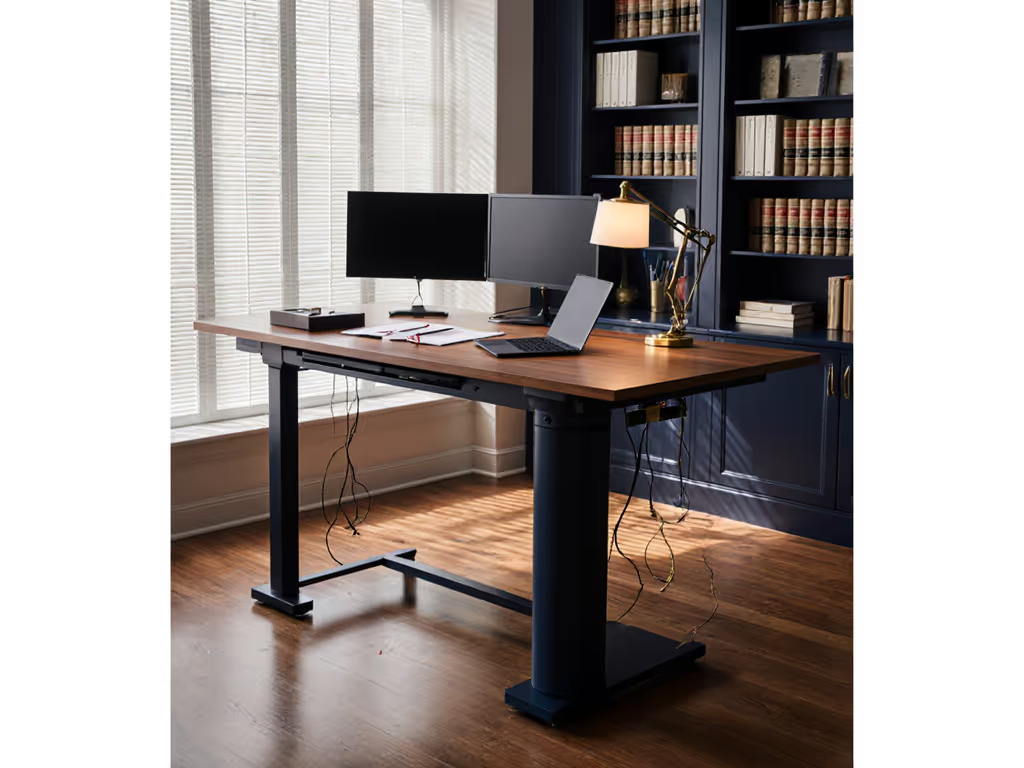
That phrase captures something model builders know instinctively: a tidy workstation reduces cognitive load. In a typical one-room studio, cables drooped from a shaky converter and buzz echoed through meetings until a remote coach leveled the feet, added felt under the frame, and rerouted everything into a single trunk. The hum vanished, wobble softened, and the backdrop looked intentional. Small changes, big calm. For a model builder livestreaming a painting tutorial or showing off a finished build, a quiet, still desk isn't a luxury, it is the professional foundation your work deserves. If you stream or record, see our video production desk cable management guide for integrated routing that keeps rigs stable on camera.
Desktop Thickness and Deflection: The Overlooked Foundation
Lab-style testing shows that moving from 18-20mm particleboard to 25-30mm MDF or plywood reduces edge deflection by roughly 30-50% under the same load and frame[1]. For a fine motor work desk, this isn't academic. A thicker desktop damps high-frequency vibration, especially on deeper (30"+) surfaces where the front edge sits far ahead of the leg line, exactly where model builders typically position their work lamps, magnifiers, and detail holders.
Desktop thickness matters in real time:
- 18-20mm particleboard: deflection under a 20kg load, ~5-7mm
- 25-30mm plywood or MDF: deflection under the same load, ~2-4mm
- 30mm+ solid wood or laminated plywood: deflection <1.5mm, plus damping of vibration spikes
For a model kit workstation where a paint bottle, airbrush, or reference monitor sits within arm's reach, a stiffer desktop means less flex when you set down tools, less oscillation when you work, and fewer accidental spills from a trembling surface. If you're considering a custom build, our DIY standing desk stability guide compares top materials and bracing that minimize deflection.
Frame Geometry: T-Frame vs. C-Frame for Craft-Focused Setups
Stability naturally decreases as sit-stand legs extend. The longer each column becomes, the more small play in glides or fasteners turns into visible sway at the front edge. Real-world testing protocols mount a 50 lb (≈22.7 kg) weight near the back and apply lateral forces at different heights to observe wobble[1].
For model builders, frame choice hinges on workspace layout:
| Frame Type | Desktop Overhang | Lateral Stability | Knee Clearance | Ideal For |
|---|---|---|---|---|
| T-frame | Moderate | Very good; dual crossbars resist sway | Good; supports under-desk organizers | Dedicated model benches with tool storage below |
| C-frame | More front overhang possible | Good if foot is long and geometry optimized | Excellent; leg freedom and rolling chairs | Mixed-use desks; frequent repositioning |
| C-frame with crossbar | Limited by crossbar | Excellent for deep or 60"+ tops | Reduced; crossbar may hit knees | Heavy lamp rigs or triple-monitor mounts |
Field experience shows that a long, well-braced foot with a wide stance does more for stability than simply calling something a "T" or "C" frame[1]. A T-frame with a short foot can wobble more than a well-engineered C-frame with extended legs and proper diagonal bracing.
Two-Stage vs. Three-Stage Legs: Stiffness at Common Heights
In lab comparisons, two-stage legs on quality frames often feel 10-20% stiffer at common 40-43" working heights than cheaper three-stage legs with the same footprint[1]. This matters for model builders because:
- Two-stage legs offer a narrower height range but superior stiffness and fewer joints to compress under load. Ideal for users of average height (5'4"-5'10").
- Three-stage legs provide a wider range (perfect for very tall users or multi-height sharing), but at full extension, they introduce potential play unless cross-sections or glides are oversized.
For a dedicated hobby desk, two-stage architecture typically wins. Very tall modelers can use our guide for very tall users to choose frames that hit true eye-level without excessive extension wobble. The stiffness gap at standing height (42-43 inches), where precision work happens, translates into measurably less tremor during fine brush work or model assembly.
Motor Configuration and Real-World Stability
Marketing often claims that "more motors = more stability." Lab data tells a different story. A wide spread of stability among dual-motor desks exists even within visually similar frames[1]. Some low-end dual-motor imports with loose leg glides begin visible lateral wobble around 39-41", while better-engineered dual-motor frames with tight glides remain stable near 46".
What actually drives motor stability:
- Column wall thickness and shape: Larger, better-shaped cross-sections resist bending and lateral deflection.
- Synchronization control: Electronics that keep legs moving in unison prevent twist, which is critical when you're holding a steady brush stroke.
- Foot and top-frame connection: Robust fasteners and brackets with sufficient overlap prevent micro-movements that accumulate into drift.
For a model building standing desk, a single robust motor with tight glides and proven electronics often outperforms a budget dual-motor frame with slop. The key metric is not motor count but deflection under load and noise footprint during transitions.
Stability Testing You Can Do Today
Before committing to a frame, run this 10-minute bench test, one used in field comparisons across the industry:
Time budget: 10 minutes. Tools: None required.
- Set the desk to your comfortable standing height (typically 40-43" for average users).
- Place a standard desk lamp (approximately 2-3 kg) or a model kit organizer at the front edge, roughly where your work would sit.
- Apply a steady lateral push of about 5-10 N (roughly the force of a firm one-handed shove) perpendicular to the desktop front edge.
- Observe how far the edge moves and how long it oscillates. High-quality frames typically stay under 2mm deflection; cheaper frames may move 4-6mm and wobble for 2-3 seconds.
- Repeat with a heavier, off-center load if you plan a triple-monitor arm or heavy task lamp rig. For heavy rigs, our lab-tested triple-monitor wobble tests rank frames that stay stable under multi-display leverage.
Desks that barely move at 40-42" with this test but begin to sway at near-max height are usually suitable for most users, especially if loads stay reasonably centered.[1] For model builders, aim for desks that score in the 0-20 "Excellent Stability" range on standardized WobbleMeter protocols, a baseline meaning users will not notice motion, even during precision detail work[3].
Cable Management and Structural Integrity
A surprising finding from real-world testing: cable management's impact on structural integrity often outweighs specs. One high-end executive desk achieved exceptional wobble scores until testers routed cables improperly, then lateral wobble increased 27%[2]. This happens because vertical cable drops strain rear motor mounts and shift the center of gravity.
Hobbyist desk stability improves when:
- All power and signal cables route downward through the lift column first, using factory strain relief.
- Cables then run along frame arms toward the rear, secured with 1-2 cm spacing clips.
- No single cable bundle exceeds 12-15mm in diameter; tighter bundles strain bend radius and create pressure points.
- Power modules sit on the floor or mount to the rear leg, not suspended from the top frame.
For a model bench, this means your airbrush compressor hose, magnifier arm cable, and paintbrush organizer drawer all route neatly, clearing the mind and keeping the visual frame intentional.
Noise Considerations for Shared Spaces
Model builders in apartments or shared studios should prioritize quietness during transitions. Cognitive load increases above 35 dBA; for comparison, the quietest desks in recent testing registered 29 dBA during descent, below typical apartment background noise[2]. When you're focused on a miniature painting workstation and someone raises the desk, you need that silence to stay immersed.
Typical noise profiles:
- Excellent: <30 dBA (library-quiet; neighbor-friendly)
- Good: 30-35 dBA (refrigerator background hum; acceptable for home offices)
- Poor: >40 dBA (vacuum-level noise; disruptive in apartments)
For a shared space or small studio, choose a frame with sealed glides and synchronization electronics specifically tuned for quiet operation. To keep neighbors and roommates happy, follow our noise reduction techniques for shared spaces with tested dampeners and placement tips. Small changes in cable routing and frame damping can reduce noise by 5-8 dBA. Small changes, big calm.
Actionable Next Steps
-
Measure your room. Note the finished floor-to-underside-of-shelves clearance at your workspace. Many desks' stated "minimum height" doesn't account for desktop thickness or crossbars; verify with the retailer.
-
Calculate your standing height. For average users, comfortable standing work height (elbow to work surface) is typically 38-43 inches. Add your desktop thickness (usually 18-30mm) to the frame's top-of-surface measurement to confirm fit.
-
Run the wobble test. Visit a showroom or borrow a display unit for 15 minutes. Apply the lateral-push test at your intended working height with realistic loads (lamp, organizer, reference monitor).
-
Compare on stability metrics, not motors. Ask retailers for deflection data at 42" height under 20kg load, and noise levels during ascent and descent. Frame geometry and glide quality matter more than motor count.
-
Plan cable routing. Sketch your workspace from above: where will your power brick sit? Where will the airbrush compressor or lamp cord route? Confirm the frame's cable management passage (grommet size, internal channel, rear clips) before purchase.
-
Verify warranty and spare parts. Request a parts list for glides, motor connectors, and legs. Confirm the retailer stocks them for at least 5 years, critical for a workbench that will anchor your hobby for a decade.
A rock-solid precision craft desk isn't a luxury; it's infrastructure for the work you're building. Lab-tested stability, quiet transitions, and intentional cable routing transform a workspace from chaotic to calm. The foundation every detailed model deserves.
Related Articles