Smart Standing Desk Integration: Health Sync Automation
By Petra Novak • 28th Apr
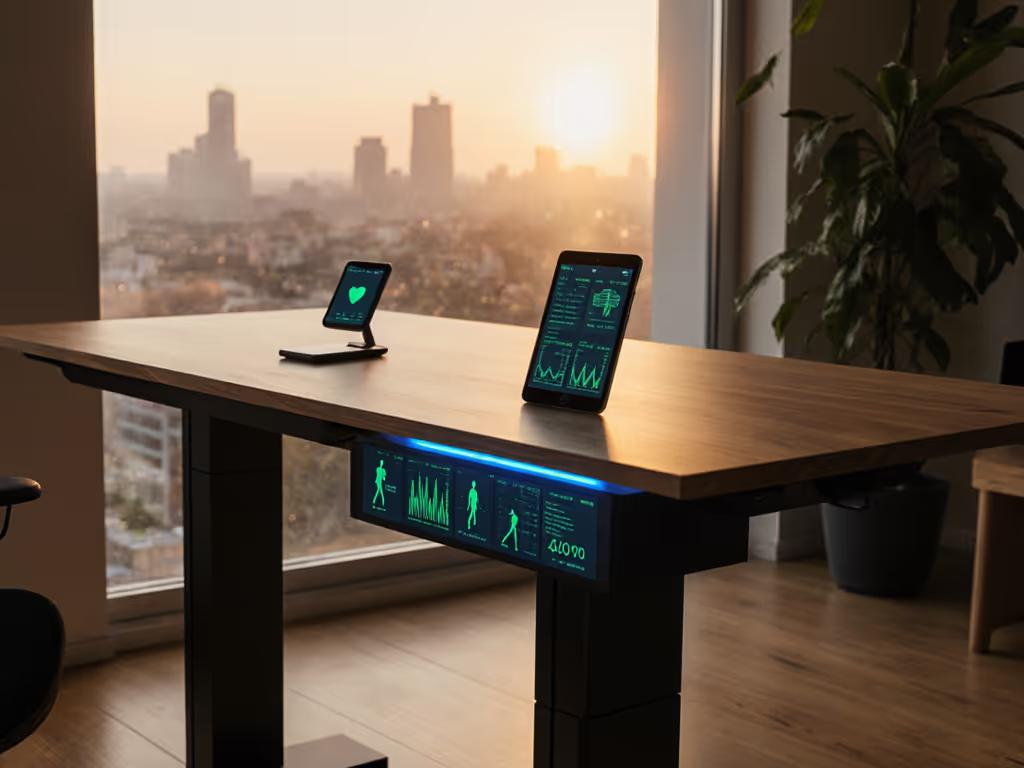
Smart standing desk integration and IoT workspace automation promise seamless health tracking, automated posture reminders, and ergonomic optimization through connected devices. But most deployments fail because procurement teams chase feature lists instead of testing real-world reliability, spare-parts availability, and vendor responsiveness. This FAQ Deep Dive cuts through the hype to address what actually matters: does health sync deliver measurable outcomes, and will your vendor support you when something breaks? For long-term risk mitigation, review our 20-year standing desk warranty to understand service commitments beyond glossy features.
FAQ: Understanding Smart Standing Desk Integration and Health Sync
What exactly is smart standing desk integration, and why should workspace managers care?
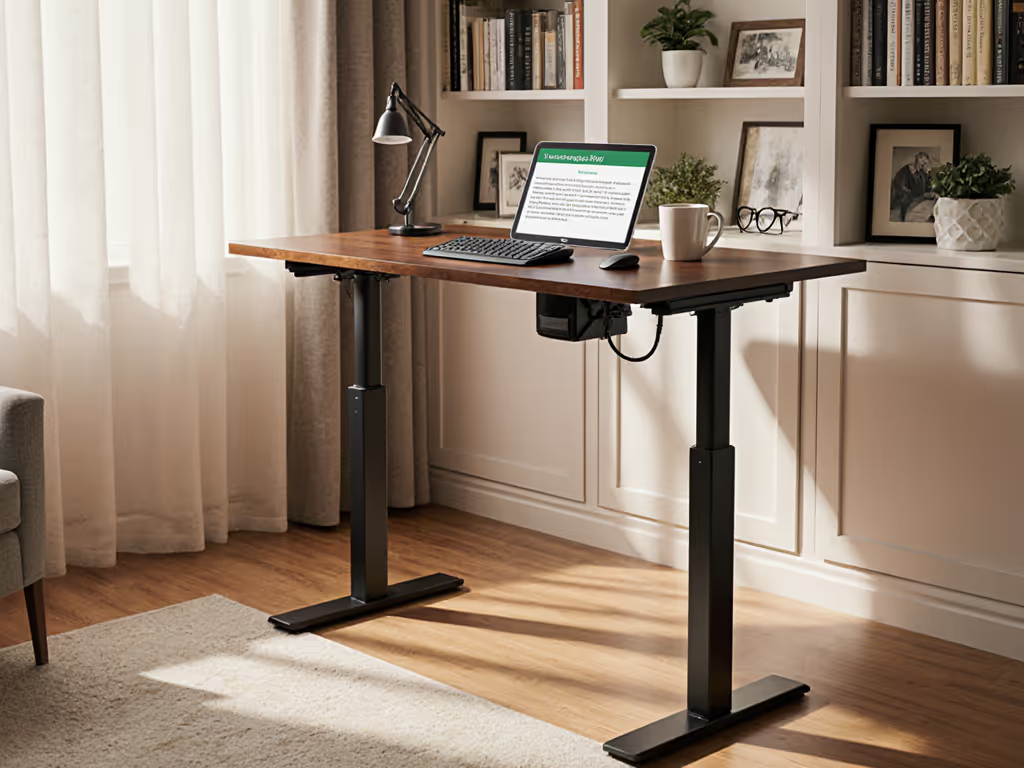
Smart standing desk integration refers to the connection of height-adjustable desks with IoT platforms, wearables, and wellness software to automate sit-stand transitions, log movement data, and trigger health-related routines. Rather than manually pressing a button every 45 minutes, a connected desk can receive commands from a health app, a calendar system, or a wearable device, prompting a standing transition automatically.
Workspace managers should care because (properly piloted) integration can reduce sedentary time, lower musculoskeletal injury claims, and improve remote-worker engagement on team video calls. But there's a critical caveat: the infrastructure delivering that automation matters far more than the feature itself. I've seen multi-floor rollouts where desks with robust local controllers and documented failover modes delivered consistent uptime, while seamless-looking cloud-only systems created chaos when internet dropped or API updates broke compatibility. Pilot before you roll out, and test every integration pathway (not just in the demo environment, but under real network conditions, across your actual IT stack).
How does health tracker sync actually work with standing desks?
Most smart desks sync via one of three paths: Bluetooth (direct connection to a smartwatch or phone), cloud API (the desk firmware talks to a third-party health platform), or local network (Wi-Fi to an internal hub). Each path has trade-offs in latency, privacy, and resilience.
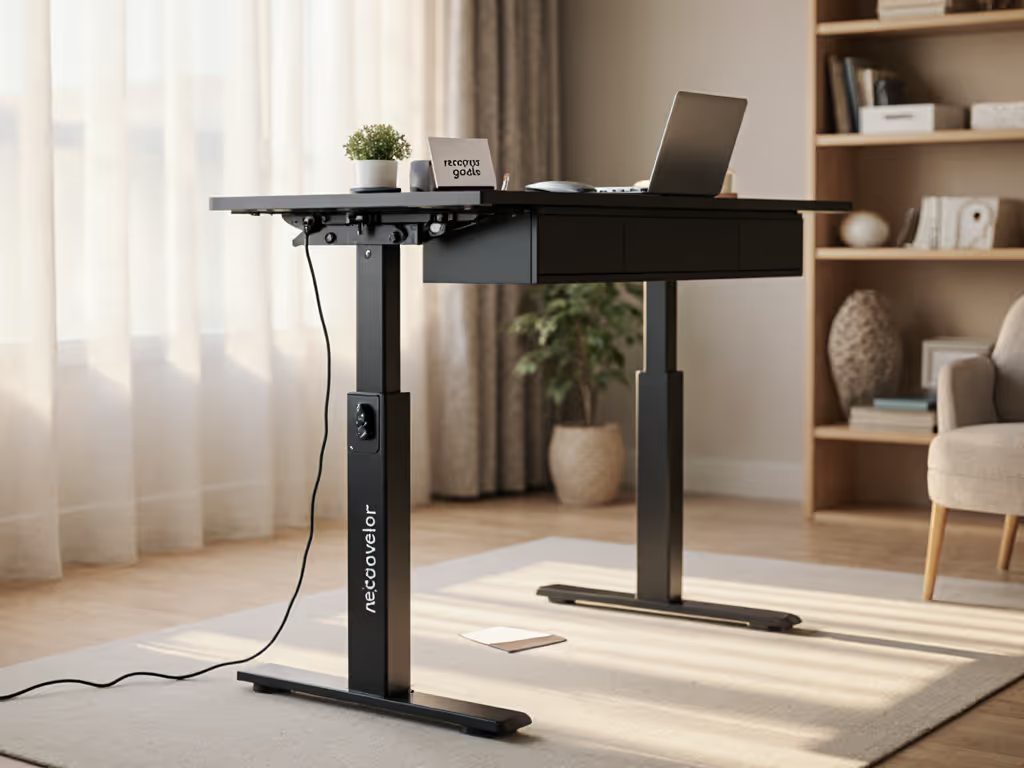
Bluetooth sync is direct but range-limited and power-hungry. A desk's Bluetooth controller draws current constantly, and many users report connectivity dropouts after 12-18 months because the radio module degrades or firmware updates break pairing.
Cloud API sync (e.g., desk to vendor cloud to health app) offers flexibility and remote monitoring but introduces dependency on that vendor's uptime and API stability. If the vendor sunsets the service in five years (which they frequently do), your entire integration evaporates. I learned this lesson hard: a facility's desks were syncing heart-rate data to a wellness platform, then the platform was acquired and shut down. The desks still worked, but the health workflow died, and we had no reversion plan.
Local network sync (desk and health app communicate over internal Wi-Fi) is more resilient but requires IT to manage SSID, firewall rules, and device-cert updates. It's also less scalable for remote workers.
The best practice: test each pathway under sustained load, document exactly which API versions and firmware revisions work together, and ensure the vendor provides written SLA terms for endpoint availability and API deprecation notices at least 18 months ahead. For platform-level pros and cons, see our standing desk app integration comparison.
What health metrics can a smart standing desk actually track?
A desk itself (as a physical device) tracks only height position, transition frequency, and cumulative standing time. Those data points are moderately useful (you can see if a user stands 2 hours per day vs. 4), but they're not direct health metrics.
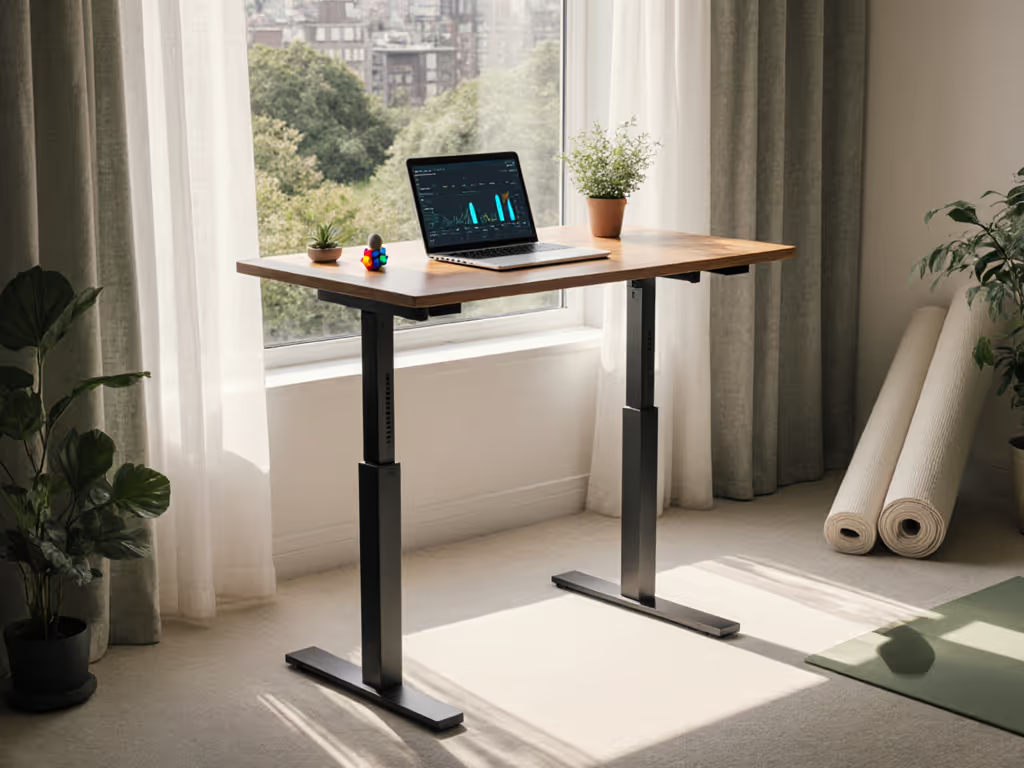
The real health signal comes from combining desk data with wearable inputs: heart-rate variability, strain levels, sleep quality, and step count. For example, a fitness tracker might detect elevated stress and automatically cue a standing break; the desk receives that command and moves to a preset standing height. To see how automation pairs with coaching today, explore AI standing desks. Or a calendar system flags back-to-back calls, and the desk prompts the user to stand during the second meeting to reduce cognitive fatigue.
However (and this is where transparency becomes critical), most vendor dashboards conflate desk usage with health outcomes without rigorous backing. A desk that logs "user stood for 6 hours" does not prove the user benefited; poor posture, unaddressed back pain, or inadequate lumbar support can make standing as harmful as sitting. The vendors promoting integration hardest are often the ones hiding their actual QA test results and customer injury-incident data.
Before committing to integration, request vendors provide:
- Sample size and duration of any health outcome studies they cite
- Injury incident rates for their customer base, segmented by desk model and integration mode
- Third-party validation (e.g., ergonomics research lab certification) of their automation routines
If they deflect or cite only internal, unpublished studies, pass.
What does automated standing desk routine really mean, and is it worth it?
Automated standing desk routines use rules engines or AI to decide when a desk should move without user input. Common routines:
- Time-based: Move to standing every 60 minutes during work hours
- Calendar-triggered: Stand during video calls; sit during focus blocks
- Health-triggered: Respond to wearable stress signals or inactivity alerts
- Environmental: Sync to office occupancy or meeting-room availability
In theory, automation removes friction and ensures compliance. In practice, most deployments struggle because:
- One-size-fits-none logic: A 5'2" user and a 6'4" user have different optimal heights and transition speeds. Blanket routines often create discomfort or muscle strain if preset heights aren't individually calibrated.
- Context blindness: An automated standing prompt mid-deep-work session is productivity theft, not health gain. Vendors rarely let users dynamically override or pause automations without breaking the integration.
- Firmware drift and controller failures: Desks with faulty memory presets or desynchronized legs (where left and right motors move at different speeds) deliver erratic, unsafe movements. I've documented three multi-site incidents where automation routines exposed latent hardware defects that manual operation had masked for months.
- Integration brittleness: If the health app updates its API and the desk vendor hasn't updated firmware compatibility, automations simply stop, silently. Users don't notice for weeks because the desk still works manually.
Is it worth it? Only if:
- Your organization has piloted a limited cohort (20-50 desks) for 8+ weeks and measured actual compliance and satisfaction, not just feature adoption
- The vendor provides written SLAs for integration uptime, with monthly reports and escalation paths
- Your IT team has mapped every integration dependency and built redundancy (e.g., local fallback if cloud sync fails)
- You have a contractual commitment from the vendor to maintain API backward compatibility for at least 5 years, with written deprecation notices
Transparency and spares beat glossy brochures every single time. Before you roll out desk automation across a floor, demand a pilot with signed acceptance criteria (stability thresholds, uptime targets, and a clear go/no-go decision gate).
How should smart home desk ecosystem design ensure data privacy and security?
A smart desk collects sensitive behavioral data: when you stand, how long you focus, and (if integrated) your heart rate, stress levels, and health app contents. If you're evaluating voice control and smart-home routines, review our Google Home desk integration guide. That data is valuable (to insurers, employers, and data brokers), and poorly designed ecosystems leak it freely.
Privacy red flags:
- Vendor sends desk and health data to third-party analytics platforms without explicit user consent
- No option for local-only data storage; all telemetry flows to the cloud
- Vendor shares anonymized data without contractual restrictions on re-identification
- Firmware updates are mandatory and automatic, with no transparency about what data is collected
- Warranty or support is conditional on granting telemetry access
Privacy essentials to demand:
- Documented data flows: Exactly which data leaves your network and where it goes
- Encryption in transit and at rest with FIPS 140-2 compliance or equivalent
- User-controlled toggles: Granular ability to disable telemetry without losing core desk functionality
- Data retention limits: Vendor commits to purging old data on a defined schedule (e.g., 90 days for transactional logs, 1 year for aggregate reports)
- SOC 2 Type II audit: Independent third-party verification of security and data handling
- Contract addendum explicitly prohibiting vendor from selling data or using it for purposes beyond the contracted service
Many vendors are vague about this because they haven't thought it through, or they're counting on selling anonymized datasets later. If a vendor won't provide a written, detailed data-privacy model, they don't deserve your pilots or your rollout.
How do I choose between cloud-based and local integration for wellness data?
This decision hinges on your organization's risk tolerance, IT maturity, and long-term commitment.
Cloud-based integration is simpler to deploy: the desk connects to the vendor's backend, and your health app reads the API. Upsides: easy scaling, automatic firmware updates, vendor handles infrastructure. Downsides: you're entirely dependent on the vendor's uptime and roadmap; if they shut down or de-prioritize the service, you lose integration; GDPR and data-residency rules may prohibit offshoring health data.
Local integration (desk and health app communicate over your internal network) is more complex to set up but puts you in control. Upsides: data stays on-premises; you're not hostage to vendor service decisions; faster latency; works offline. Downsides: your IT team owns the complexity; security patching and version management fall on you; scaling across multiple offices is labor-intensive.
Best practice for large deployments: Hybrid. Desks and local health hub communicate locally; the hub syncs aggregate (not personal) wellness metrics to the cloud for executive dashboards. Personal health data never leaves your network. This requires more architecture work but gives you resilience, privacy, and the flexibility to switch vendors later without tearing out infrastructure.
Looking Further: Pilot, Test, and Validate
Smart standing desk integration is not a plug-and-play feature, it's a compliance, privacy, and reliability story. The vendors with the glossiest marketing almost always have the weakest SLA commitments and the least transparent OEM relationships.
Your next move: identify a small pilot cohort (20-50 knowledge workers representing your height and role diversity), specify acceptance criteria upfront (stability thresholds, integration uptime SLAs, data-privacy audit), and run the pilot for 8-12 weeks. Measure actual compliance, injury incidents, and IT support burden (not just engagement metrics). Demand that the vendor provide spare parts availability, firmware version history, and a written commitment to API backward compatibility. For procurement criteria on parts and serviceability, see standing desk repairability.
Then decide. Transparency and spares beat glossy brochures every single time.
Related Articles